
Text to Speech you steer with words.
Everything you need to direct a performance
A full set of controls for shaping every voice and every line.
Say it excitedly, with a bright, surprised voice, as if seeing him here is amazing news.
“ I can’t believe you brought him here! ”
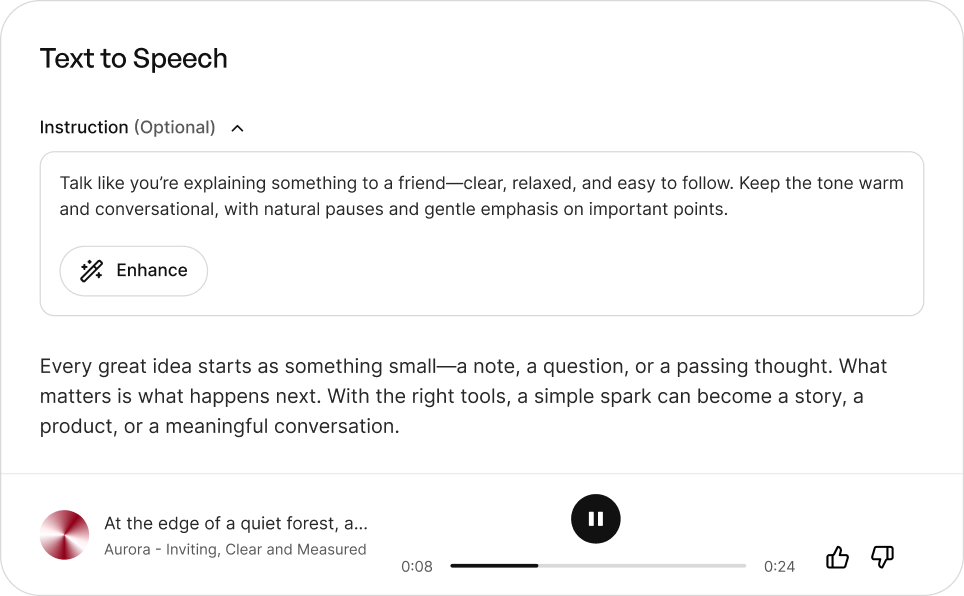
Voices you direct in plain language
We take a natural-language instruction — how a line should feel, who it should sound like, how it should be paced — and perform your script to match. This lets you shape delivery the way a director guides an actor, instead of settling for a single fixed read.
Real-time, built for low latency
Speech streams back in milliseconds, fast enough for live agents and interactive media. You can build experiences that answer the moment a user speaks, with no wait for a render.
Voices that perform
Every line comes back with real emotional range — a whisper, a building excitement, a beat of hesitation. The result is writing that feels acted, not read aloud by a machine.
A voice library with real character
Choose from a curated range of voices, each with a personality of its own — or clone and design your own. Every voice arrives fully directable, ready to perform.
One voice engine, every kind of work
Whatever you’re producing, BreezeBlue voices are built to perform in it.
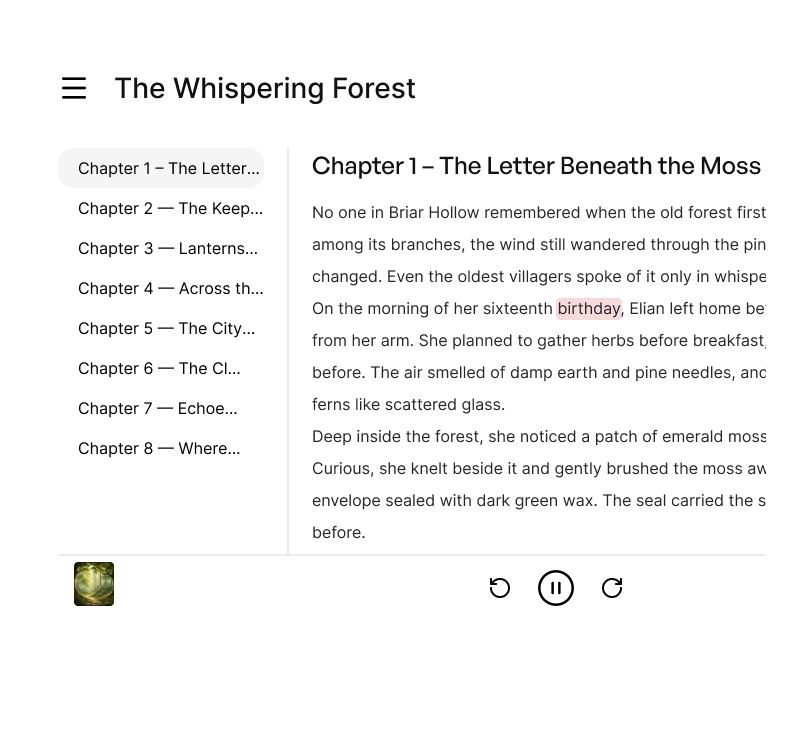
Audiobooks & Narration
Convert manuscripts and scripts into natural-sounding narration with consistent character and pacing across chapters, produced in a fraction of the time.

Video voiceovers
Produce voiceovers for videos, shows, and animations with directable tone and emotion, so the read fits the scene without a studio session.
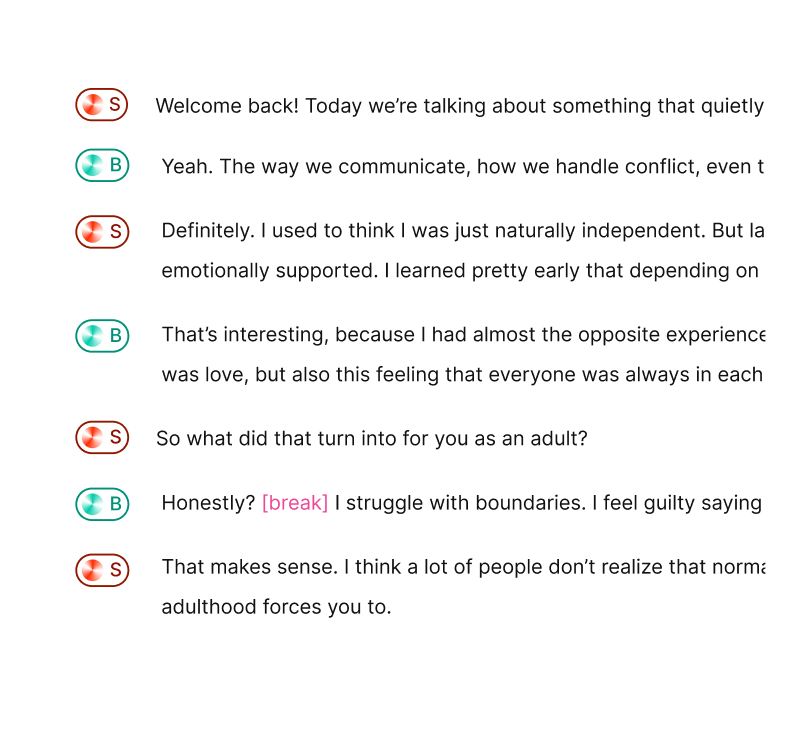
Podcasts
Create podcasts with consistent, professional narration you can direct line by line, reducing the time spent on manual recording.
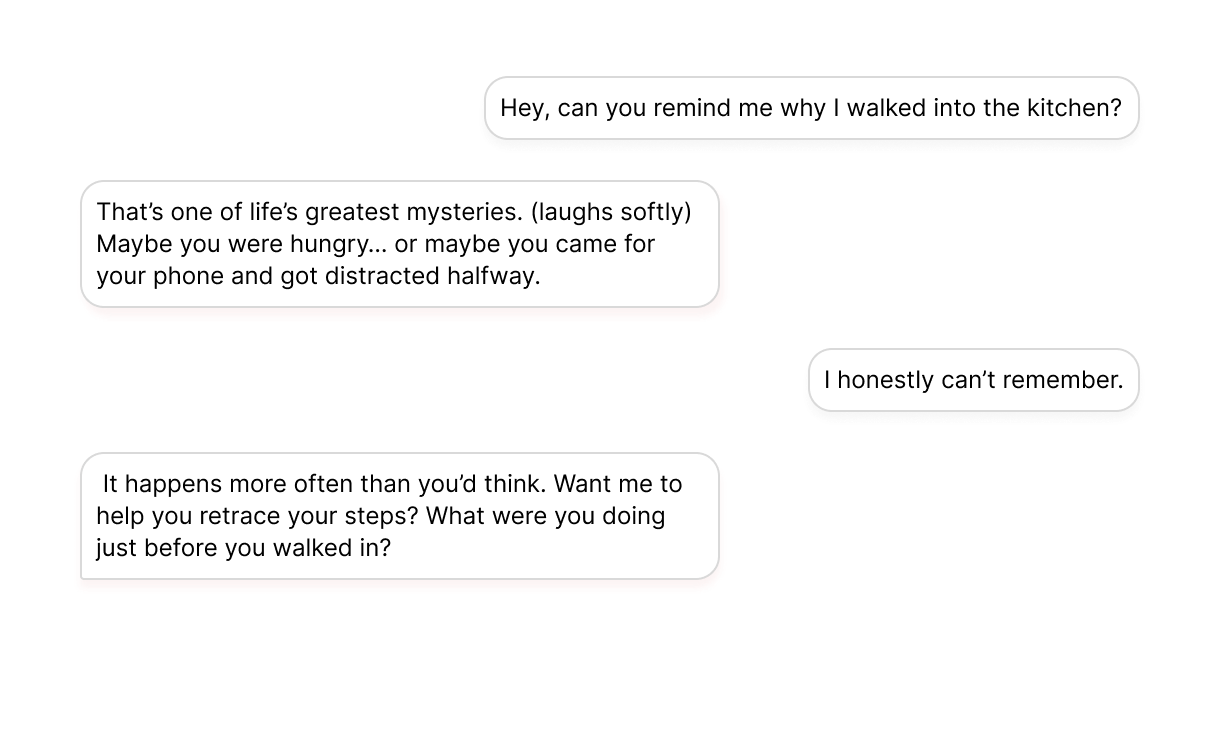
Conversational Agents
Give chatbots and virtual assistants a natural, human-like voice that responds in real time, for interactions that feel genuinely conversational.
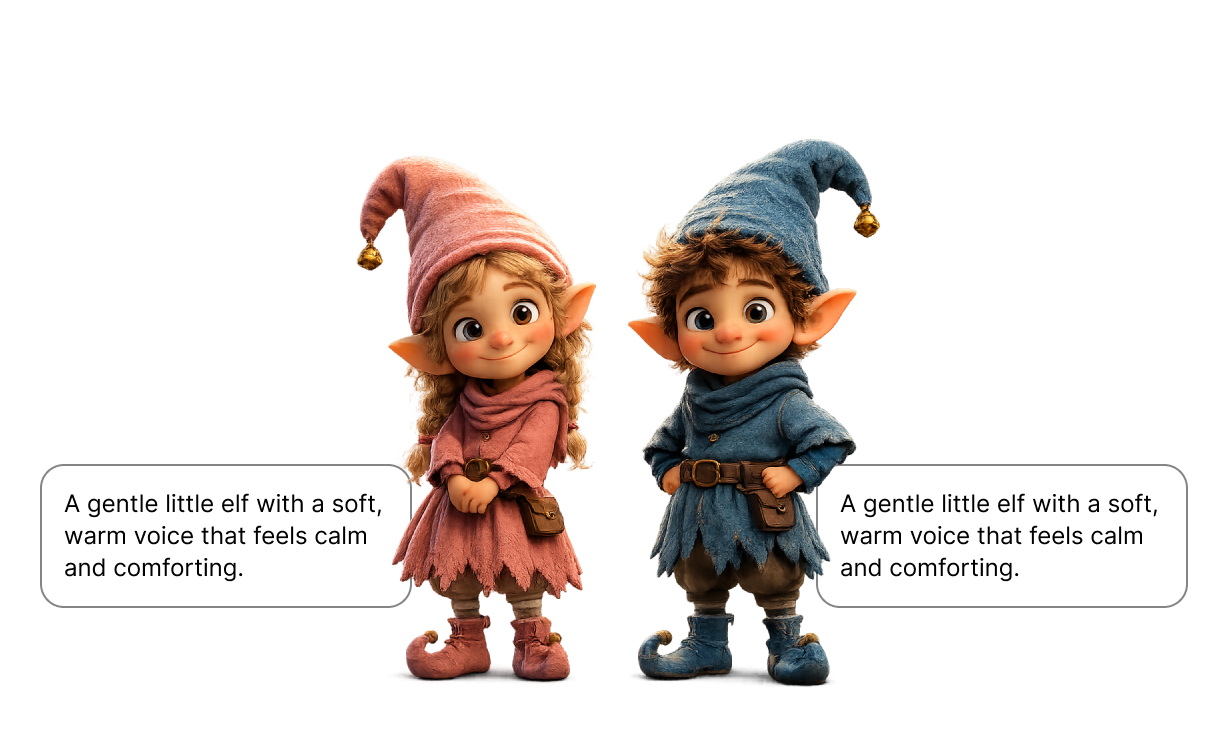
Gaming & Characters
Voice game characters and original casts through the text to speech API, with context-aware, emotionally accurate delivery that matches every scene.
Available on the web app and via API
BreezeBlue Creator
Design, direct, and generate voices in one browser-based creator tool.
Text to Speech API and SDKs
Integrate BreezeBlue Text to Speech into your product via APIs or SDKs.
import os

from breeze_blue import BreezeBlue, stream

client = BreezeBlue(api_key=os.environ["BREEZE_API_KEY"])

audio = client.text_to_speech.stream(
    voice_id="voc_q8kq3ayg27dd",
    text="Make every product moment sound clear, warm, and unmistakably yours.",
    instructions="Speak with quiet confidence, slow tempo, slight smile in the voice.",
    output_format="mp3",
)
stream(audio)
Frequently asked questions
How is BreezeBlue different from other text to speech tools?
With our voice model, you write your instruction in plain language — “speak like a late-night radio host, warm and unhurried” — and the voice steers its delivery to match. It’s natural-language direction, the way you’d brief a voice actor, not a fixed list of preset emotions.
Can I fine-tune the delivery of specific lines?
Yes. Beyond the overall instruction, drop short bracket cues like [sob], [sigh], or [giggle] anywhere in your text to shape a single moment. And an Instruction Commitment control lets you set how far the voice takes your direction — from stable and grounded to bold and expressive.
What kind of reference voice can I use for text to speech?
Any voice on the platform can be your reference. Choose from a curated library — where each voice has a personality of its own rather than interchangeable narration — clone your own from a short sample, or design a new voice from a text prompt.
What languages does BreezeBlue support?
BreezeBlue currently supports English. Multilingual support is in active development and will be available soon.
Can I use the audio commercially?
Audio generated on BreezeBlue’s paid plans can be used in commercial projects, from videos and ads to games and audiobooks.
How much does it cost? Is there a free plan?
Yes. BreezeBlue is free to start, and every user can claim free credits each day. Paid plans scale up from there with more monthly credits, voice slots, and faster generation as your needs grow. See the full breakdown on our pricing page.
What audio formats can I export?
Audio generated in Text to Speech and Studio downloads as WAV, while voices from the Voice Library download as MP3.