
Every voice AI product has a beautiful web demo. But the actual work of building with voice — wiring narration into an onboarding flow, generating dialogue for a game, giving an app something to say — doesn't happen in a browser. It happens in a terminal, an editor, a CI pipeline, and increasingly inside an AI agent's tool loop. Breeze CLI starts from that reality: it brings Breeze voice generation to the place where developers already work, and it treats “how fast can I hear something?” as the metric that matters most.
Quickstart
Thirty seconds to first sound
The fastest way to evaluate a voice API is to hear it. Every command in this post is a single line — copy it, run it, keep reading. Install:
curl -fsSL https://breezeblue.ai/cli/install.sh | shConfirm it landed:
breeze versionLog in once. The CLI opens your browser, you approve the device, and a device-specific key is written to your machine with strict file permissions. You never copy an API key by hand, and the server only ever stores a hash of it:
breeze loginNow make it speak:
breeze tts "Hello from Breeze"Audio starts playing the moment the first bytes arrive — streamed straight to your speakers, with a live waveform in the terminal. Notice everything you didn't do: you didn't pick a model, didn't browse a voice catalog, didn't read a quickstart. If you don't choose a voice, Breeze chooses a good one, because the only question that matters in your first thirty seconds is “do I like what I hear?”
Explore
Find the right voice without leaving the shell
When the default isn't the voice in your head, browse the library:
breeze voice listAudition candidates the way you'd A/B anything else: same line, different voice, immediate comparison. Re-run with the voice IDs from the list:
breeze tts "This is the voice of our onboarding narrator" --voice voc_xeh3w54cqvnpKeep the take you like:
breeze tts "This is the voice of our onboarding narrator" -o narrator.wavThe rest of the voice surface is a subcommand away — designing a new voice from a text brief, cloning, previews, your generation history, async jobs. The CLI is a complete client for the Breeze Developer API, not a demo wrapper around a corner of it.
Ship it
From a throwaway command to a production request
The worst moment in prototyping is discovering that the fun tool and the real API are two different worlds. Breeze CLI closes that gap by construction: every command maps to the public /v1 Developer API — the same one behind our Python and TypeScript SDKs. So when a take sounds right, ask the CLI to hand over the request:
breeze curl tts "This is the voice of our onboarding narrator" --voice voc_xeh3w54cqvnp --format mp3 -o narrator.mp3breeze curl prints a reproducible cURL request for exactly what you just did, with your real key swapped for a placeholder — safe to paste into a script, a pull request, or a teammate's chat. Translate it into an SDK call or ship it as-is. Nothing about the semantics changes between exploring and production, because it was the same API all along.
Agent native
Your AI agent is a first-class user
Increasingly, the “developer” typing a CLI command is an AI agent. We treat that as a design constraint, not a novelty. Add --agent to any command and Breeze CLI becomes a well-behaved tool call: JSON results on stdout, JSON error envelopes on stderr, no prompts, no spinners, no surprise audio:
breeze voice list --agentThe synthesis you just ran interactively becomes a quiet, file-producing call:
breeze tts "Hello from Breeze" --voice voc_xeh3w54cqvnp -o hello.wav --agentFailures are branchable, not parseable: authentication, credits, timeout, and network errors each map to a stable exit code, so a script recovers with logic — re-login, top up, retry — instead of regexes over human-readable text. And an agent doesn't have to learn the command surface by trial and error, because the CLI will describe itself in one call:
breeze capabilities --agentFor coding agents there is one more step up: curated skills that teach Claude Code, Codex, or Cursor the recommended Breeze workflows. Installation is explicit opt-in and never touches your API key:
breeze skills install --target codexSwap codex for claude or cursor. And if an agent is bootstrapping the CLI for you, one line installs both:
curl -fsSL https://breezeblue.ai/cli/install.sh | sh -s -- --with-skills codexVideo Lab
Narrated video, rendered on your machine
Voice rarely ships alone. Video Lab, built into the CLI, turns an HTML composition into an MP4 with Breeze TTS narration — and the whole pipeline is designed to be driven by an agent, with a JSON report at every step. Initialize a project:
breeze video init --project demo --template authored --agentValidate before spending render time — this is also where an agent catches visual problems frame by frame: text overflow, cropped elements, unreadable captions:
breeze video validate --project demo --agentThen render the finished MP4, narration included:
breeze video render --project demo --agentYour compositions, assets, and finished videos never leave your machine. The only network request in the whole pipeline is the narration itself.
Craft
Trust is a feature
A tool you pipe into scripts has to be boring in the right places. Data goes to stdout and status goes to stderr, so pipes always behave. Credentials live in permission-locked local files, and keys only ever appear masked in output. Profiles keep staging and production — or two accounts — cleanly apart on one machine. And breeze update updates the binary and its runtime when you ask it to: never mid-script, never in CI, never behind your back.
Try it
Start here
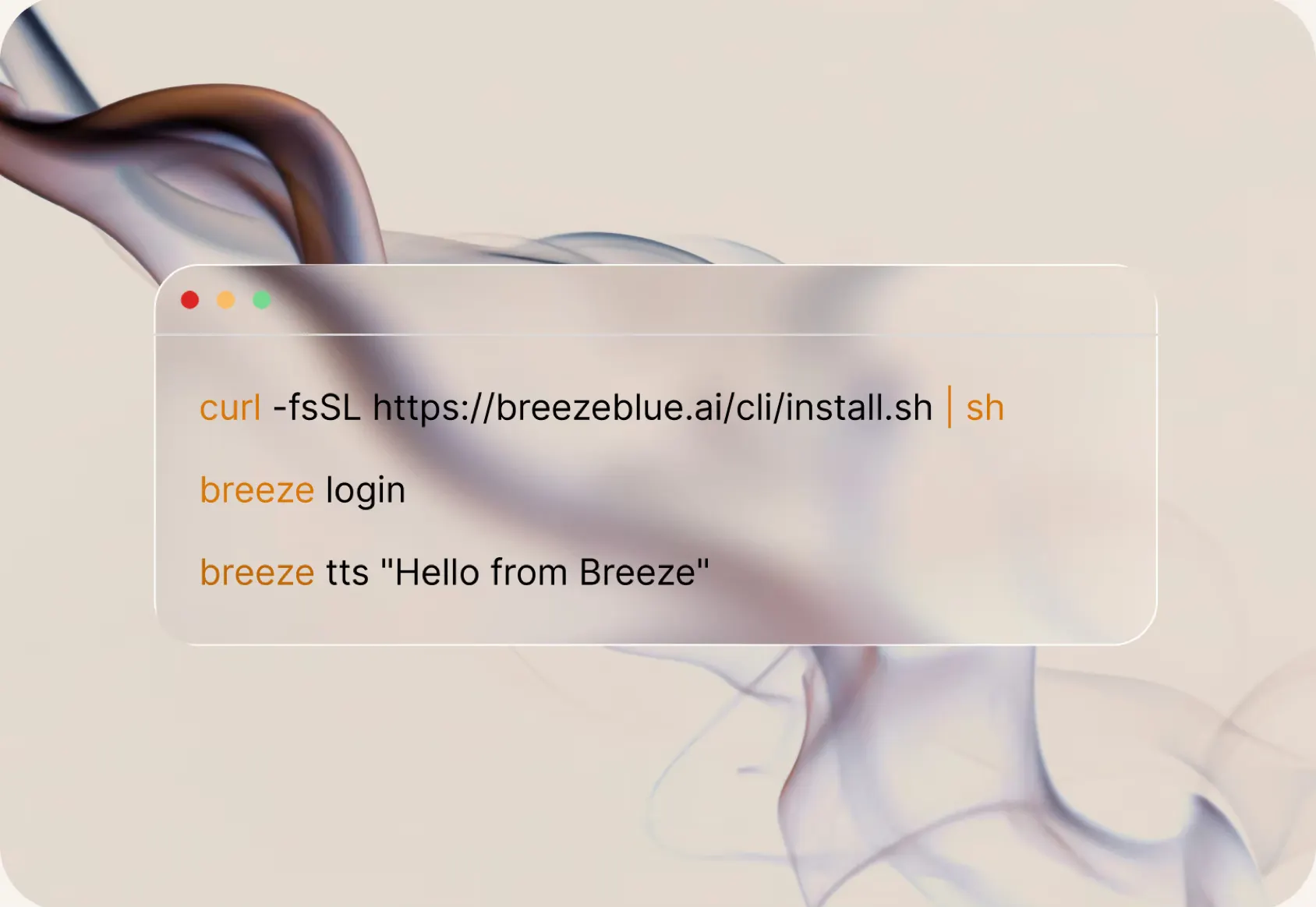
Three lines from an empty terminal to a voice you can hear:
curl -fsSL https://breezeblue.ai/cli/install.sh | shbreeze loginbreeze tts "Hello from Breeze"The full documentation — quickstart, command reference, scripting guide, and troubleshooting — lives at docs.breezeblue.ai/cli. We would love to hear what you build with it.