
The most expressive and steerable text-to-speech model

Everything you need to direct a performance
A full set of controls for shaping every voice and every line.
Say it excitedly, with bright surprise and rising energy, as if his arrival is wonderful and completely unexpected.
“ I can’t believe you brought him here! ”
Voices you direct in plain language
We take a natural-language instruction — how a line should feel, who it should sound like, how it should be paced — and perform your script to match. This lets you shape delivery the way a director guides an actor, instead of settling for a single fixed read.
Every clip above is the same sentence and the same base voice — the only thing that changes is the instruction. That is the difference between timbre and performance: who the voice is stays fixed, while how it delivers the line follows your direction.
Expressiveness you can measure
On the open Voice Direction Benchmark (700 direction tasks, evaluated August 2026), Breeze TTS 2 leads with an Overall Voice Direction Score of 4.25 out of 5 — while holding speaker similarity at 0.67, meaning the voice follows your direction without drifting into a different timbre.
Explore the full Voice Direction benchmark- 4.25
- Overall Voice Direction Score, on a 1–5 scale
- 0.67
- Speaker similarity kept while directed (0–1)
- 9
- Control axes, from accent and emotion to intent
Real-time, built for low latency
Speech streams back in milliseconds, fast enough for live agents and interactive media. You can build experiences that answer the moment a user speaks, with no wait for a render.
Voices that perform
Every line comes back with real emotional range — a whisper, a building excitement, a beat of hesitation. The result is writing that feels acted, not read aloud by a machine.
A voice library with real character
Choose from a curated range of voices, each with a personality of its own — or clone and design your own. Every voice arrives fully directable, ready to perform.
One voice engine, every kind of work
Whatever you’re producing, BreezeBlue voices are built to perform in it.
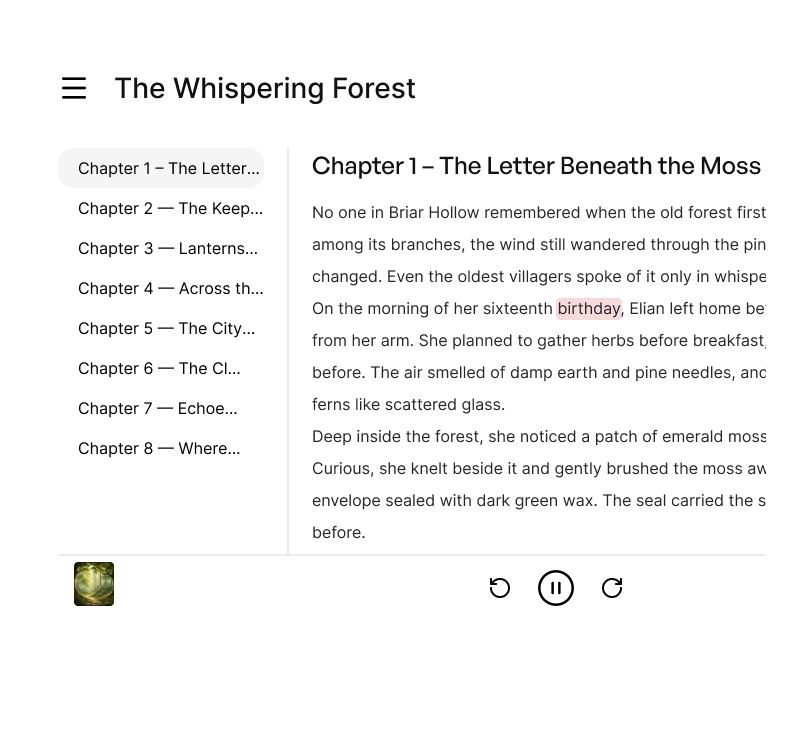
Audiobooks & Narration
Convert manuscripts and scripts into natural-sounding narration with consistent character and pacing across chapters, produced in a fraction of the time.

Video voiceovers
Produce voiceovers for videos, shows, and animations with directable tone and emotion, so the read fits the scene without a studio session.
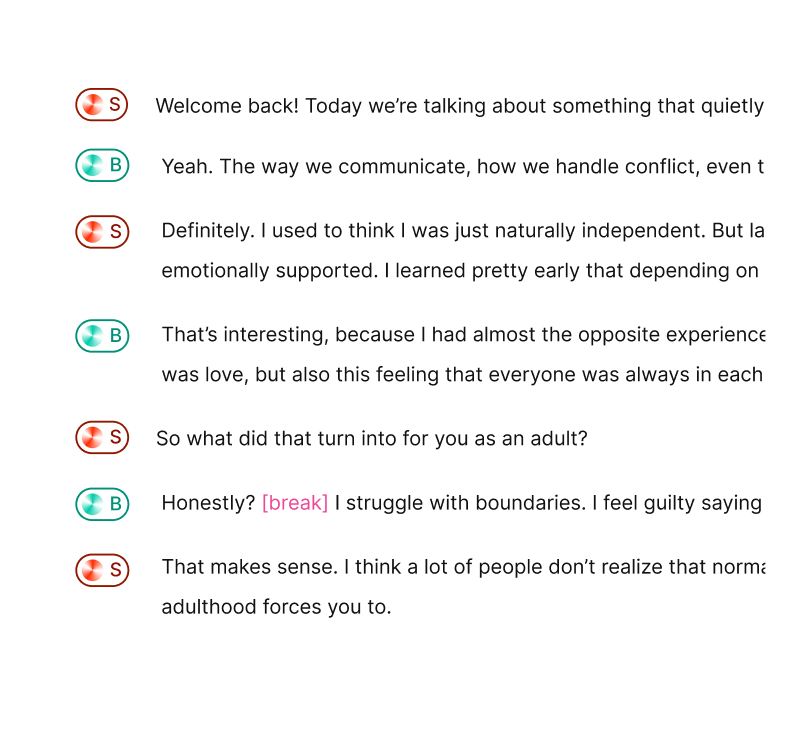
Podcasts
Create podcasts with consistent, professional narration you can direct line by line, reducing the time spent on manual recording.
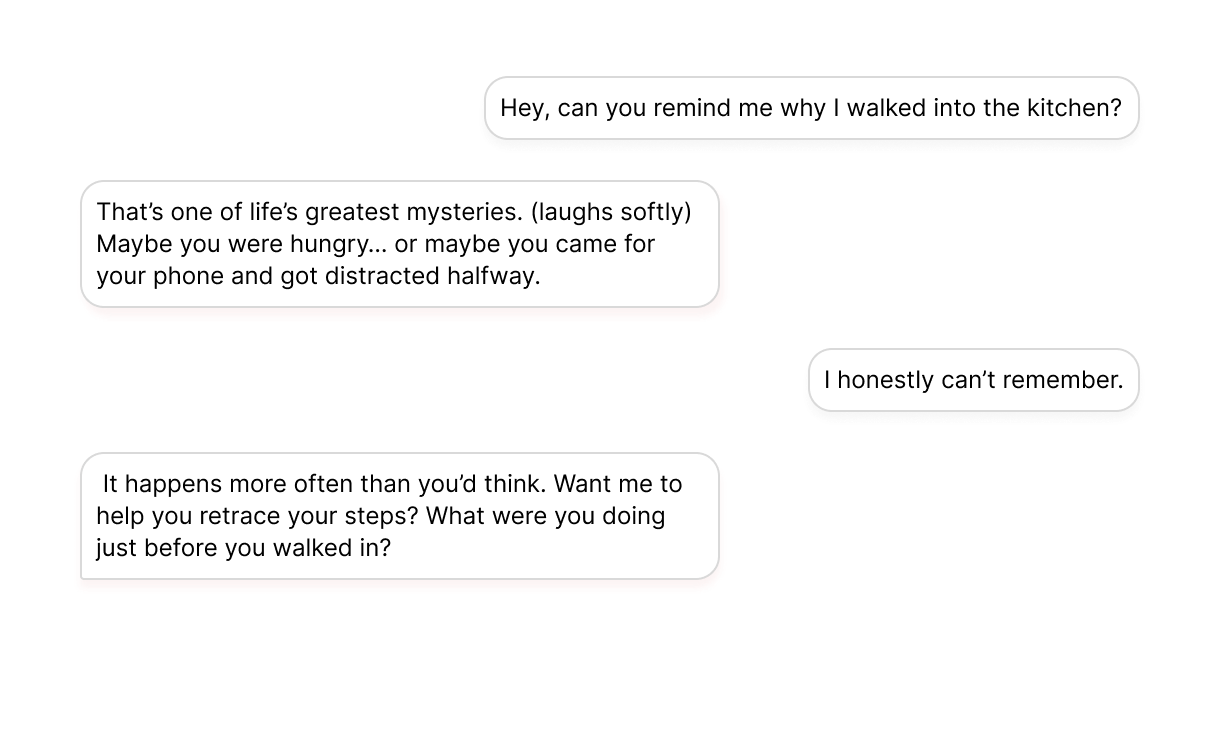
Conversational Agents
Give chatbots and virtual assistants a natural, human-like voice that responds in real time, for interactions that feel genuinely conversational.
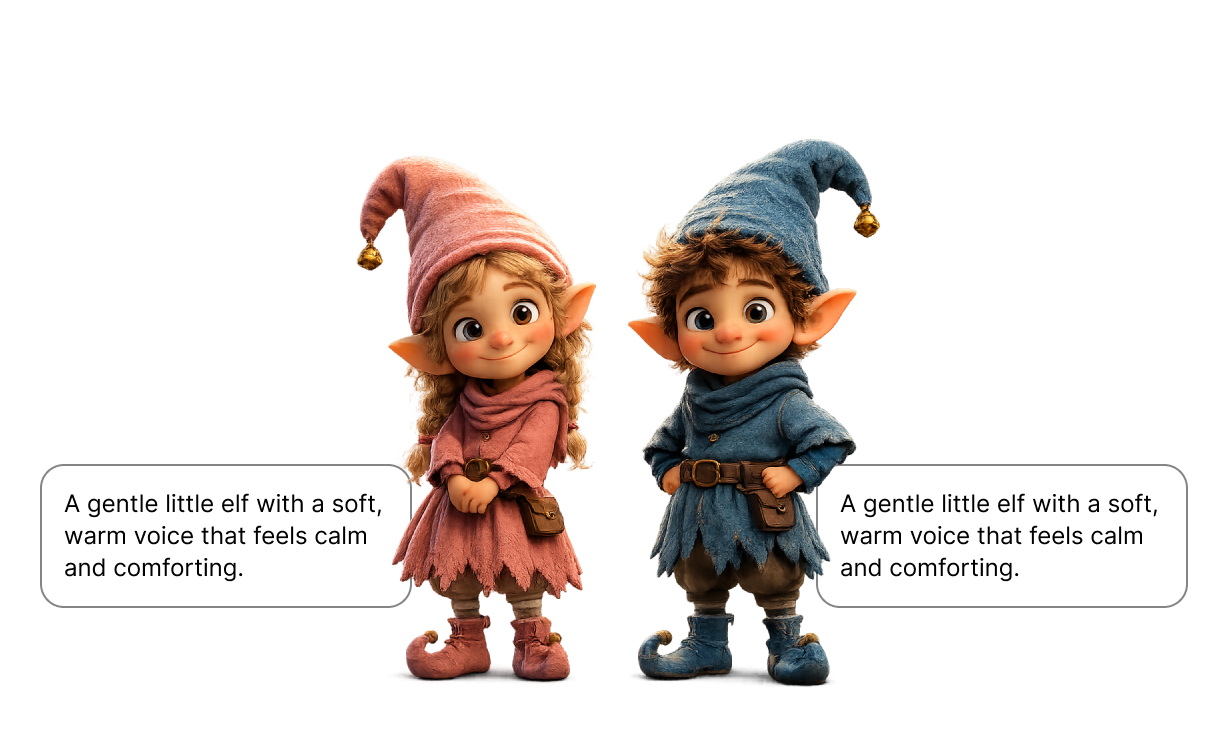
Gaming & Characters
Voice game characters and original casts through the text to speech API, with context-aware, emotionally accurate delivery that matches every scene.
Available on the web app and via API
One instruction, two ways to run it
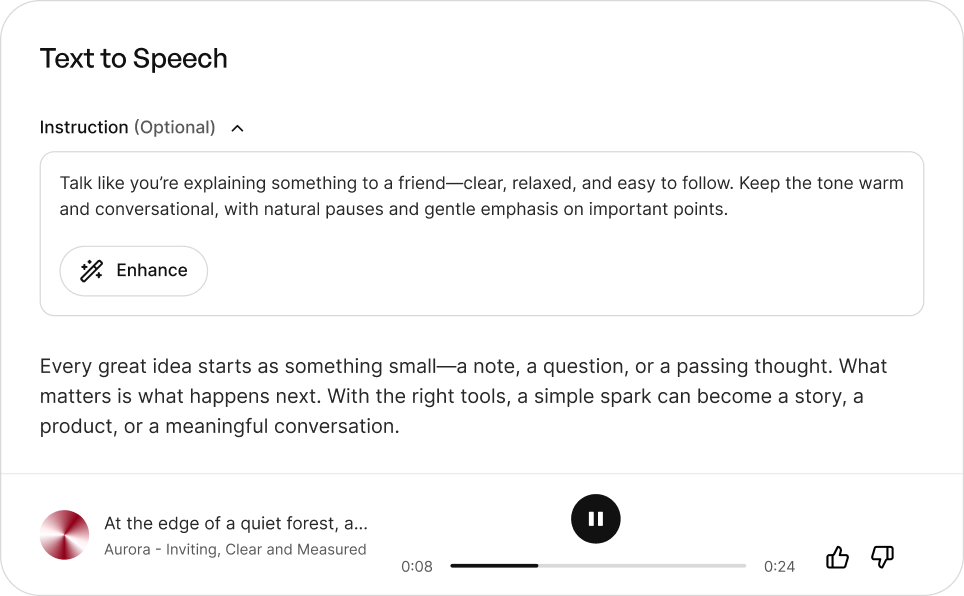
The web Creator and the API run the same model with the same controls. This is the exact instruction and text behind the Whispered sample above — paste them into either path and compare what you hear.
Instruction
Say it whispering, very quiet and tense, as if you are afraid of being overheard.
Text
I can’t believe you brought him here!
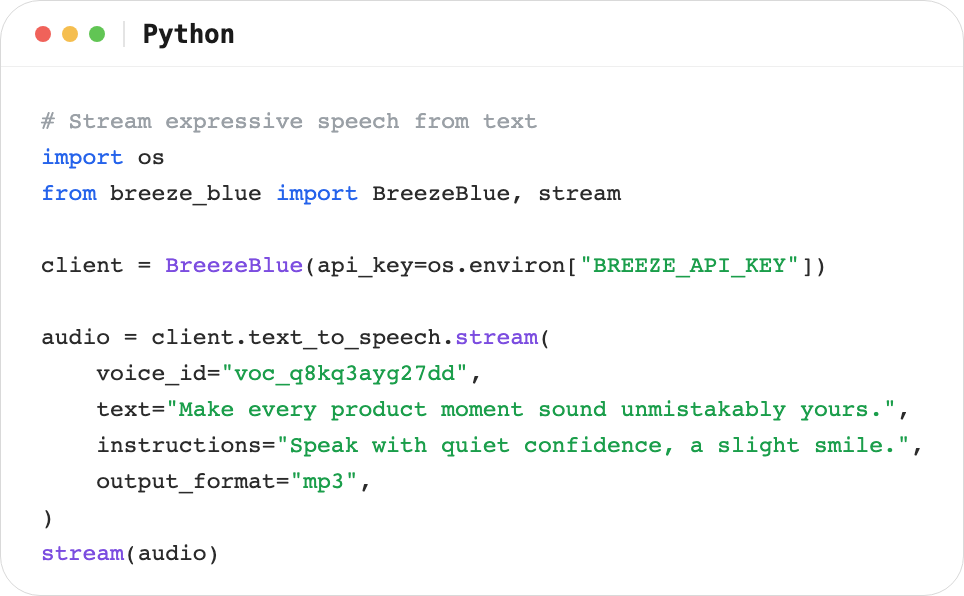
In the Creator, drop them into the instruction and script fields. Over the API, send the same two strings on a single synthesis request and stream the audio back.
BreezeBlue Creator
Design, direct, and generate voices in one browser-based creator tool.
Text to Speech API and SDKs
Integrate BreezeBlue Text to Speech into your product via APIs or SDKs.
Where to go next
Text to speech is one step in a voice workflow — these pages cover the voices you feed into it and the work you ship out of it.
Frequently asked questions
How is BreezeBlue different from other text to speech tools?
With our voice model, you write your instruction in plain language — “speak like a late-night radio host, warm and unhurried” — and the voice steers its delivery to match. It’s natural-language direction, the way you’d brief a voice actor, not a fixed list of preset emotions.
Can I fine-tune the delivery of specific lines?
Yes. Beyond the overall instruction, drop short bracket cues like [sob], [sigh], or [giggle] anywhere in your text to shape a single moment. And an Instruction Commitment control lets you set how far the voice takes your direction — from stable and grounded to bold and expressive.
What kind of reference voice can I use for text to speech?
Any voice on the platform can be your reference. Choose from a curated library — where each voice has a personality of its own rather than interchangeable narration — clone your own from a short sample, or design a new voice from a text prompt.
What languages does BreezeBlue support?
Breeze TTS 2 Multilingual supports 51 languages. Available languages depend on the model you select, and BreezeBlue shows only the languages currently exposed by that model.
Can I use the audio commercially?
Audio generated on BreezeBlue’s paid plans can be used in commercial projects, from videos and ads to games and audiobooks.
How much does it cost? Is there a free plan?
Yes. BreezeBlue is free to start, and every user can claim free credits each day. Paid plans scale up from there with more monthly credits, voice slots, and faster generation as your needs grow. See the full breakdown on our pricing page.
What audio formats can I export?
Audio generated in Text to Speech and Studio downloads as WAV, while voices from the Voice Library download as MP3.
Can AI text to speech really sound emotional?
Yes — and it is measured rather than promised. On the open Voice Direction Benchmark (August 2026), Breeze TTS 2 scored 4.25 out of 5 overall across nine control axes including emotion, intent, and accent. In practice you describe the feeling you want — grief held back, rising excitement, dry sarcasm — and the voice performs it, instead of applying a canned happy-or-sad preset.
How do I write a voice instruction the model will follow?
Treat it like a director’s note: name the emotion, the intent behind the line, and the pacing, rather than stacking adjectives. “Say it whispering, very quiet and tense, as if you are afraid of being overheard” lands better than “whisper dramatically”. Every sample on this page shows its full instruction verbatim, so you can start from one, change a single detail, and hear exactly what shifts.
Does the API give me the same instruction control as the web app?
Yes. The text to speech API runs the same model as the web Creator, so the same natural-language instruction produces the same directed performance in both. Audio streams back over the API, SDKs cover the request in a few lines, and the identical inputs on this page make it easy to verify the two paths match.