Abigail
Editing tutorial guide, quick, reassuring, and playful
Abigail — Editing tutorial guide
Editing tutorial guide, quick, reassuring, and playful
Prompt: A quick, friendly female voice made for fast-paced software tutorials. Her energetic mid-register keeps up with editing software without losing you, naming shortcuts as she flies and slowing exactly where beginners panic. She reassures—'yes, that undo button is your best friend'—and turns intimidating timelines into playgrounds. Efficient, warm, and clearly having fun with the craft.
Script: Drag your clip onto the timeline. There. Now the magic key. Hit C to grab the razor, click and snip out the boring part. Don't like it? Command Z. Undo, no harm done. That's your best friend today. Editing is just try, snip, watch, repeat. Mess around, you literally can't break it.
Discover more voices
Explore BreezeCreator Voice Library











Create with Editing Tutorial Guide
Bring your words to life with Editing Tutorial Guide. Add your script, shape the delivery with enhanced instructions, and create natural, expressive speech in seconds.
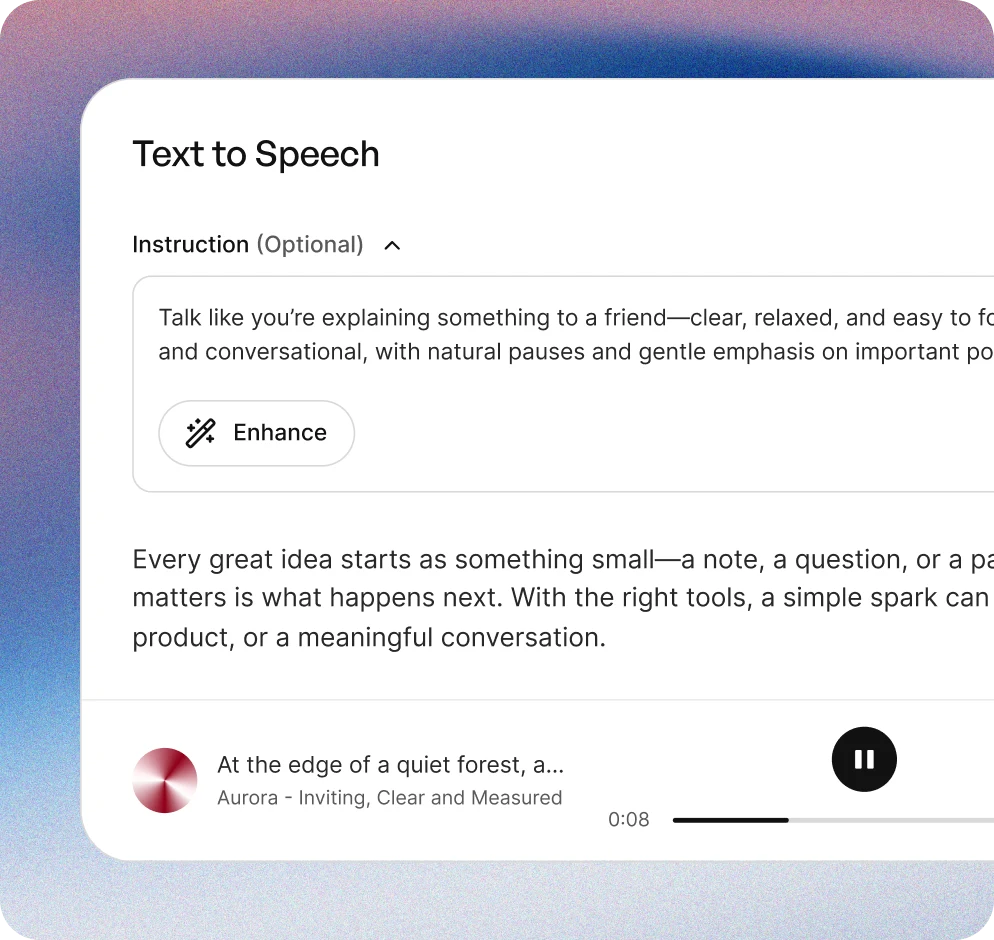
Add your script
Type or paste your text into Creator. From short clips to longer stories, start with anything you want to bring to life.
Direct the performance
Describe the tone, emotion, pacing, and delivery you want. Use Enhance to turn your direction into a richer, more detailed instruction for better results.
Generate your audio
Turn your script into natural, expressive speech in seconds, then download the audio and use it in your content.
More than AI voices
Explore a global voice library built for real creative work—with expressive voices, multilingual support, performance control, and commercial-ready options.
10,000+ voices
Find the right voice for any story, style, or creative project.
50+ languages
Create for audiences around the world with voices across more than 50 languages.
Steerable performance
Direct tone, emotion, pacing, and delivery with natural-language instructions.
Commercial rights
Use generated audio in commercial projects according to your plan and our terms.
Similar to Editing tutorial guide
 Productivity podcast host
 A fast, friendly female voice for video editing tutorials.
 Energetic, friendly female voice
 Editing tutorial creator
 Agile female instructional voice
 Energetic and fast male voice
 Visionary independent editor
 Athleisure voice
 A bright, precise female voice.
 Coding tutorial creator
 Articulate support voice
 Ed-tech platform support
Frequently asked questions
What is the defining sound of Abigail?
Abigail has a quick and friendly voice that keeps the energy high while teaching editing software.
What are the best-fit uses for Abigail?
Abigail is perfect for software tutorials, especially those focused on editing and productivity tools.
How would you describe Abigail's delivery style?
Abigail delivers content in an energetic and reassuring manner, making complex tasks feel manageable.
What type of content is suitable for Abigail?
Abigail is suitable for educational content that involves software training, particularly for beginners.
Can I preview Abigail's voice?
Yes, you can listen to a preview of Abigail's voice to experience her quick and friendly delivery.